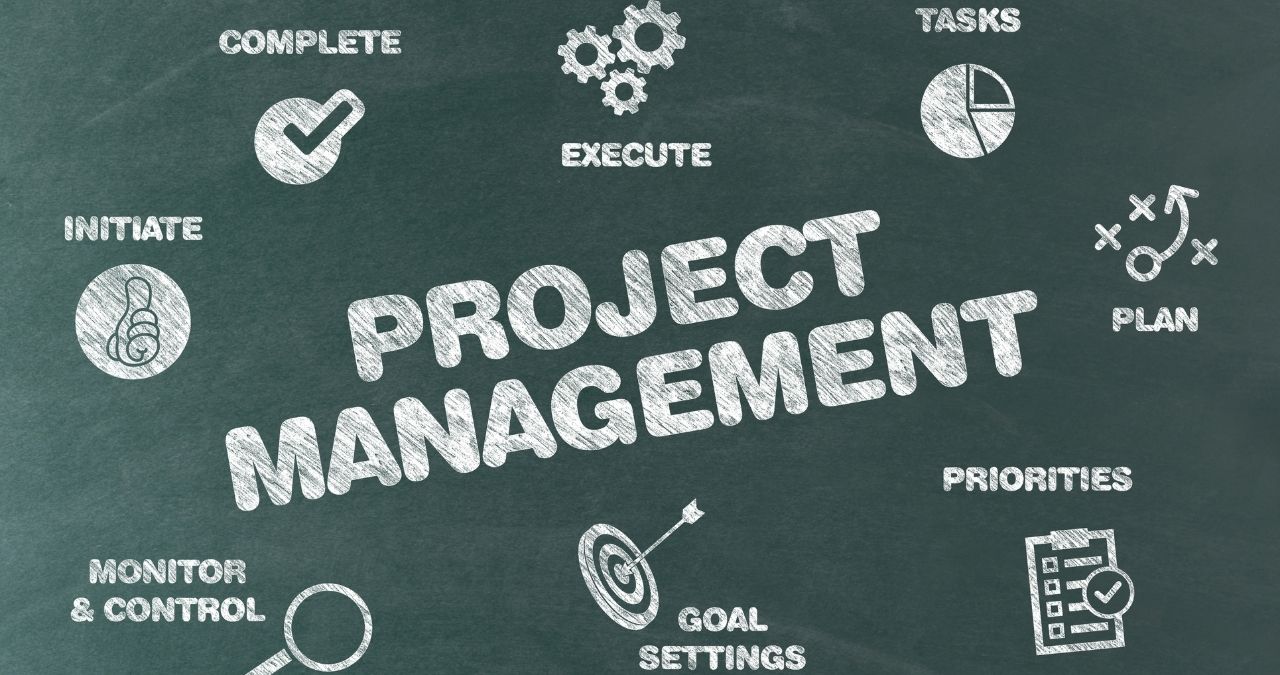
Selecting the right project management software isn’t about choosing the one with the most features — it’s about finding a tool that fits how your team actually works. The best project management software helps small teams, individuals, and large organizations stay organized, track progress clearly, and deliver projects on time.
With hundreds of tools available, it’s easy to feel overwhelmed. This guide will help you choose the platform that truly improves teamwork and results.
1. Start With Clear Goals
Before exploring tools, define what success means for you. Are you an individual professional looking for the best project management tool for personal use, or are you leading a small team with shared tasks and deadlines?
Write down your goals:
- What challenges are you trying to solve?
- Which parts of your workflow need improvement?
- How many users will need access?
For example, small teams may only need a shared task list and chat, while larger teams might need dashboards, automation, and detailed reporting. Clear goals help you avoid tools that don’t fit your needs.
2. Understand How Your Team Works
Every team has a different rhythm. Some prefer visual boards like Kanban, while others rely on structured timelines or Gantt charts.
Map your workflow from task creation to completion, then choose a tool that complements it.
If your team depends on real-time communication, pick software with instant updates and chat features. If you mostly handle client projects alone, a lightweight tool built for individuals with simple task tracking might be all you need.
3. Focus on Core Features, Not Extras
Many platforms advertise hundreds of features, but more isn’t always better. The best project management software focuses on essentials like:
- Task creation and assignment
- Deadlines and scheduling
- Team communication and collaboration
- File sharing and document management
- Real-time reporting
Whether you’re overseeing a small team or working alone, you prefer keeping things simple. You’ll want to focus on functionality as the project continues to evolve, since the only constant is likely the introduction of new requirements to broaden their tools.
As you think through the most basic functions, you’ll ultimately use the best software for your project management needs, tailored to your real needs and your team’s.
4. Check Ease of Use
Even the most advanced software fails if it’s hard to use. Choose a platform with a clean, intuitive interface and minimal learning curve.
Ask yourself:
- Is it easy to assign and update tasks?
- Is the dashboard straightforward?
- Can a new user understand it in a few hours, not weeks?
If you’re new to project management, look for tools designed with simplicity in mind — the best project management software for beginners usually offers tutorials, templates, and drag-and-drop features.
5. Ensure It Integrates With Other Tools
Your team probably already uses Google Drive, Slack, Outlook, or similar apps. The most used project management software integrates smoothly with these tools so you can manage files, deadlines, and communication in one place.
Good integration saves time, prevents duplicate work, and keeps your data organized.
6. Test Before You Commit
Most providers offer free trials — use them to test real scenarios. Create sample projects, assign deadlines, and explore reporting features. Ask your team for feedback since they’ll use it daily.
This hands-on testing helps you identify what works before you make a purchase. Many of the big three project management tools — Asana, Trello, and Monday.com — offer generous trial periods and cover most core needs.
To see how project management streamlines agency operations, check out Streamlining Agency Operations: The Role of Project Management.
7. Set a Realistic Budget
Cost matters, but balance it with value. A cheaper platform might lack key features, while an expensive one might be more than you need.
Choose a plan that scales easily as your team grows. Spending a little extra for reliability and flexibility saves time and money in the long run.
8. Check Security and Support
If you handle sensitive data or client information, prioritize security. Look for features like encrypted logins, regular backups, and two-factor authentication.
Reliable support is equally important. Responsive chat or email support helps resolve issues quickly, especially during critical project stages.
In addition, once you have a shortlist of software, understanding the benefits of project management certification can enhance the credibility of your tool’s value, as certification standards emphasize trust, security, and best practices.
9. Plan for Training and Onboarding
Even with simple software, a quick orientation helps everyone get on the same page. Host a short training session to explain the main features, or share tutorials for new members.
Effective onboarding speeds up adoption and minimizes mistakes, especially for beginners adjusting to a new tool.
10. Review and Adjust Regularly
After implementation, review performance and gather feedback:
- Are tasks easier to manage?
- Are deadlines being met?
- Is communication smoother?
If something isn’t working, adjust settings or explore additional features. The best project management software grows with your team — not against it.
Final Thoughts
The best project management software for small teams or individuals isn’t the one with the most bells and whistles — it’s the one that helps you plan better, communicate clearly, and stay organized.
Look for tools that combine usability, integration, and flexibility. When your software aligns with your workflow, it becomes more than a tool — it becomes a foundation for long-term success, no matter how technology or algorithms evolve.