
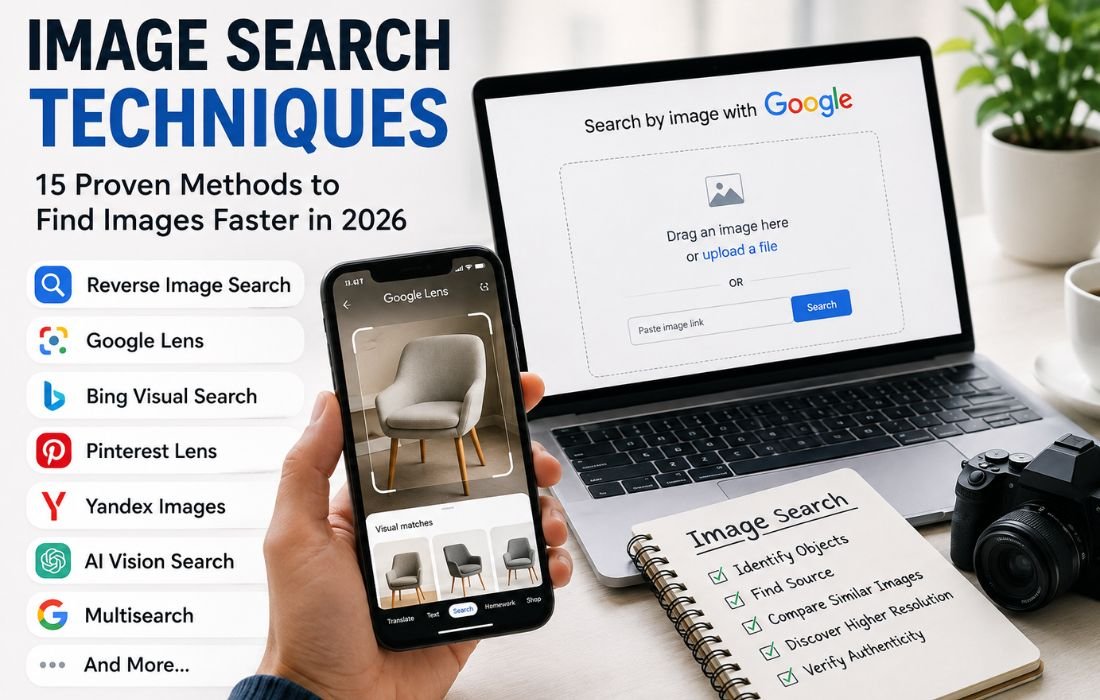
Finding an image quickly in 2026 isn’t about picking “the best” tool, it’s about picking the right one for the image in front of you. A tool built to catch exact copyright copies won’t help you identify a plant, and a style-matching tool won’t verify a viral photo. Here are 15 proven methods, each with the year it emerged, the image type it’s built for, and how to use it efficiently.
Quick Reference
| Method | Introduced | Best For |
| TinEye | 2008 | Exact copies, copyright tracking |
| Google Reverse Image Search | 2011 | General-purpose photos |
| Yandex Reverse Search | 2013 | Faces, profile photos |
| Pinterest Region Search | 2014 | Products inside a scene |
| Bing Visual Search | 2016 | Isolated objects, products |
| Pinterest Lens | 2017 | Fashion, décor, style inspiration |
| Google Lens | 2017 | Real-world objects, plants, text |
| Google Multisearch | 2022 | Shopping variants |
| AI Chat Vision Search | 2023–2024 | Ambiguous or technical images |
| Color/Pattern (CBIR) Search | 1990s concept, modern tools | Design assets, textures |
| Object/Product Recognition | 2017–2018 | E-commerce photos |
| Screenshot & Long-Press Search | 2018–2020 | Social media images |
| Advanced Keyword Operators | Ongoing | Stock/technical files |
| Creator-Focused Reverse Tools | 2020s | Artwork, illustrations |
| Cross-Referencing Multiple Tools | Ongoing practice | Verification, journalism |
1. TinEye
Introduced: 2008, the first commercial reverse image search engine.
Best for: Photos and artwork where you need to know if this exact file has been reused.
Efficient use: Upload the highest-resolution version and sort by oldest match to find the original source.
2. Google Reverse Image Search
Introduced: 2011.
Best for: General, unidentified photos or viral images.
Efficient use: Crop out background clutter before uploading for sharper matches.
3. Yandex Reverse Search
Introduced: 2013.
Best for: Portraits and people, thanks to stronger facial-matching than Google or Bing.
Efficient use: Use as a second check after Google, and treat identity results carefully given privacy sensitivity.
4. Pinterest Region Search
Introduced: 2014.
Best for: A single item embedded in a larger photo.
Efficient use: Drag the selection box tightly around just the object, excluding background.
5. Bing Visual Search
Introduced: July 2016.
Best for: Product-level detail in complex photos.
Efficient use: Works best on well-lit, unobstructed shots; struggles with dim or angled images.
6. Pinterest Lens
Introduced: February 2017.
Best for: Fashion and décor inspiration, similar-looking results rather than exact sourcing.
Efficient use: Use it when you don’t know a style’s name and want visually related ideas.
7. Google Lens
Introduced: 2017, with real-time camera integration by 2018.
Best for: Plants, landmarks, animals, or printed text.
Efficient use: Use live camera mode for real-world objects, upload mode for existing photos.
8. Google Multi search
Introduced: April 2022.
Best for: Shopping, when you need a variant like a different color.
Efficient use: Keep the added text short and specific, a color or brand, rather than a full sentence.
9. AI Chat-Based Vision Search
Introduced: Became widely useful with multimodal AI assistants in the 2020s.
Best for: Diagrams, screenshots, technical images, and images where you need an explanation rather than an exact match.
Efficient use: Upload the image and ask a specific question about what you want to identify, understand, or find.
10. Content-Based (Color/Pattern) Search
Introduced: Concept dates to 1992; modern tools are a recent layer on top.
Best for: Textures, palettes, and repeating patterns.
Efficient use: Use it when you can’t describe a color or pattern in words but can point to an example.
11. Object and Product Recognition
Introduced: Rolled out broadly 2017–2018.
Best for: E-commerce images where the goal is finding where to buy.
Efficient use: Photograph the item against a plain background; accuracy drops with clutter.
12. Screenshot and Long-Press Search
Introduced: Mainstream by 2018–2020.
Best for: Images in apps without searchable captions, like a group chat photo.
Efficient use: Long-press and search directly instead of saving the file first.
13. Advanced Keyword Operators
Introduced: Ongoing since early search engines.
Best for: High-resolution or specific-format images, like a transparent logo.
Efficient use: Combine site: filetype:, and imagesize: in one query rather than relying on visual search.
14. Creator-Focused Reverse Tools
Introduced: Matured through the 2020s.
Best for: Original artwork and illustrations, tracking unauthorized reuse.
Efficient use: Use these as a first stop for creative work rather than general photos.
15. Cross-Referencing Multiple Tools
Introduced: An ongoing best practice, not a single product.
Best for: High-stakes verification, breaking news photos, stolen listings.
Efficient use: Run the same image through two specialized engines, like TinEye for exact copies and Google for broader context, rather than trusting one result.
Choosing the Right Method
As a rule of thumb: use TinEye or Google to trace a specific photo, Yandex for faces, Pinterest Lens for style inspiration, Google Lens for real-world objects, multisearch or keyword operators for a precise variant, AI chat tools for anything ambiguous, and cross-referencing whenever a wrong answer would actually cost you something. The fastest search in 2026 isn’t the newest tool, it’s the one matched to what you’re actually looking at.
Also Read : Search Commands: Tips For Searching Like A Google Expert